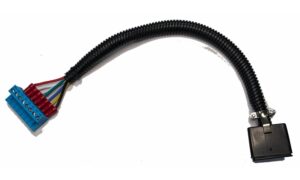
DTC-100-V5 for YAESU and HyGAIN Rotators
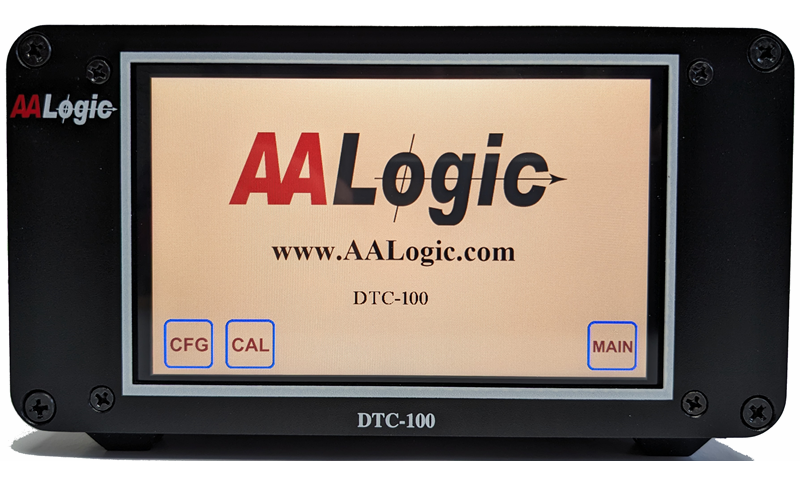
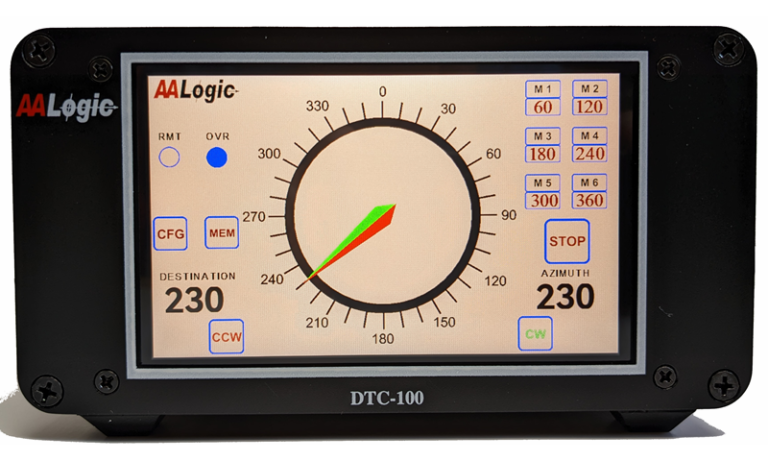
The DTC-100 offers a 5 inch full color touch panel display with overall dimensions of 6.7″W x 3.8″H x 6.7″D . Large enough for easy viewing without taking up a lot of desk space.
Feature List Includes:
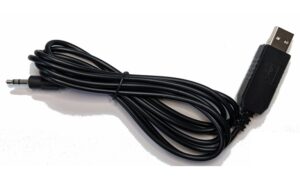
Computer Interface for Logging Programs
Computerized Motor Control
Auto Brake Release/Engage
Speed ramp Up/Dwn for smooth Start/Stop
Variable Coast Control
Pinpoint Accuracy
Automated calibration for simple installation
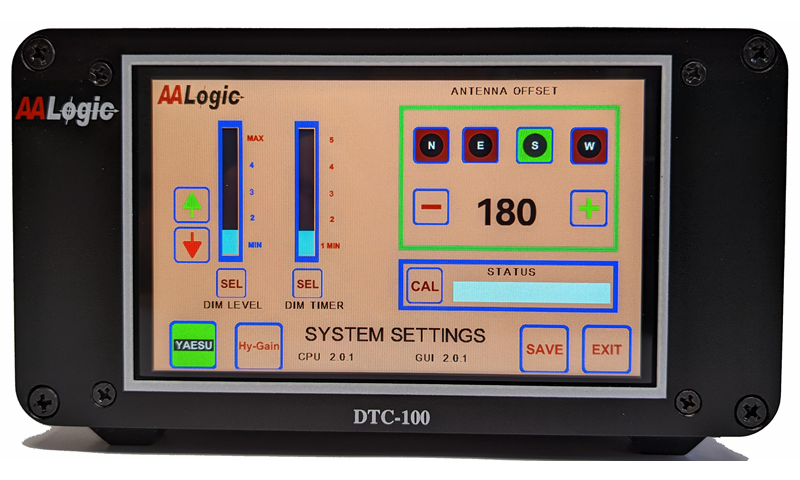
The setup screen allows the user to select rotator type being used and antenna offset (antenna position at full CCW rotation). The DTC-100 automatically corrects display position readings based on the entered offset, thus allowing operation regardless of the antenna position during initial installation.
Calibration is fully automatic. Simply press “CAL” button to begin the process. Each step of the process is displayed in the status window, and when completed, the results can be saved in permanent memory.
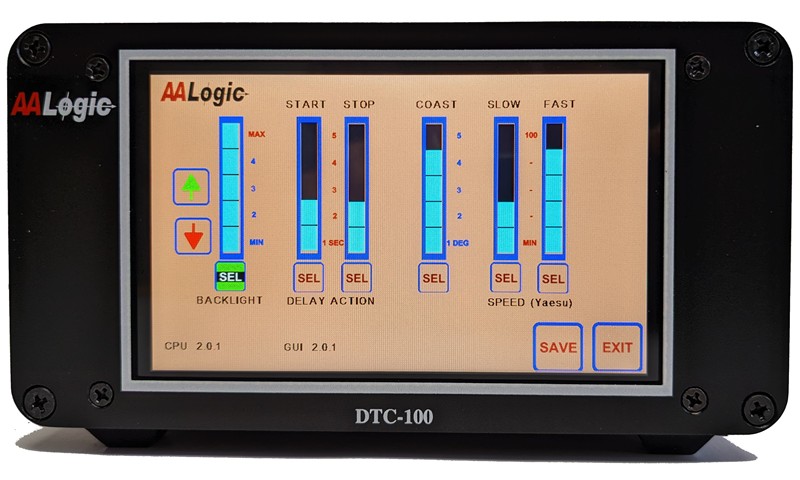
The user can configure the controller for the desired operations depending on personal preferences. Basic features such as break release/engage, coast, and start/run speeds, and display screen intensity are set within this screen.
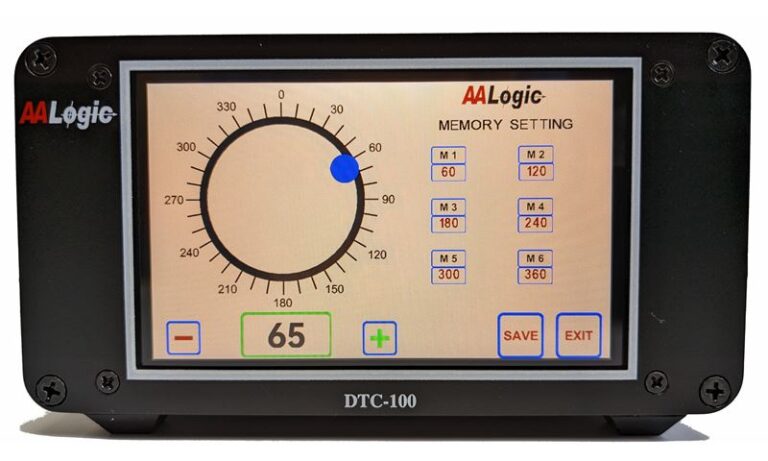
A touch circle is used as an entry tool to set user selectable memory locations. The (+/-) buttons can be used to provide pinpoint accuracy. Pressing SAVE button stores set values in memory. The user has the option of setting a single azimuth entry or all 6 locations before saving. Updating saved values can be easily done by pressing MEM button on main operating screen.
The main screen contains all the information needed for normal operations. Touching the outer portion of the circular dial initiates rotator action.
From this screen the user can quick access “CFG” configuration or “MEM” memory screens.
Upper right portion of the display indicates pre-programmed locations that can be accessed with a single touch to begin rotation.
Â
Â
When interfaced to the user’s perferred PC software program, a “RMT” dot flashes as an indicator the DTC is ready to receive direction commands.
For rotators with more than 360 degrees rotation the DTC know to take the shortest path. Any azimuth beyond the 360 degrees is indicated by the blue “OVR” dot.
In addition to automatic touch and memory selection, the user has the ability to jog the CCW/CW direction by pressing and holding the associated manual rotation buttons.